Rent the Router or Buy Your Own? Do the Math Before You Decide.
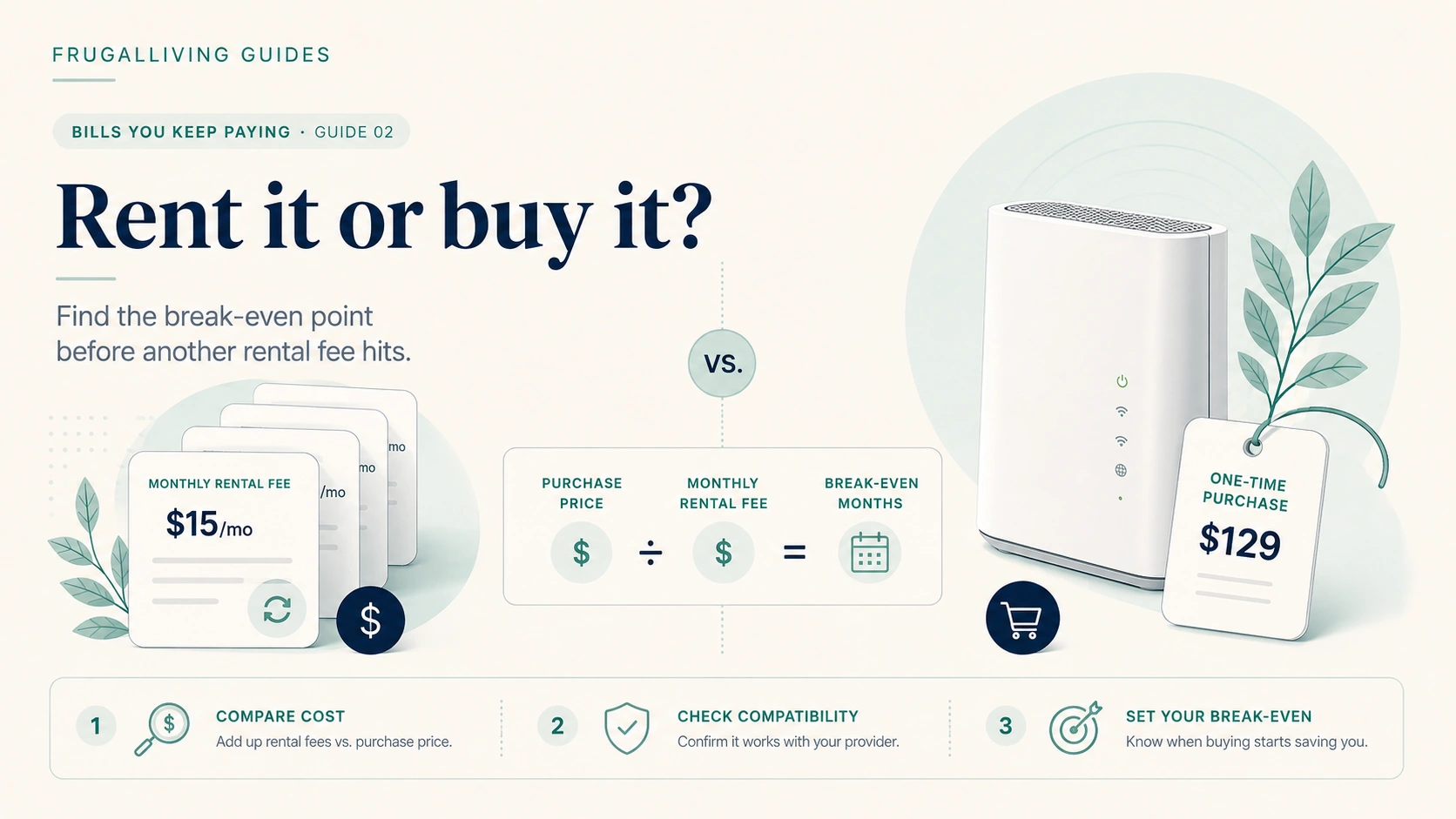
Short version: Buying can be cheaper when your provider charges a recurring equipment fee and allows compatible customer-owned gear. But ownership also shifts compatibility, setup, replacement, and support onto you. Use the break-even formula first, then decide whether the savings are large enough to justify the extra responsibility.
A $12 equipment fee is easy to ignore. It is one line on a bill full of other lines.
Then you multiply it by 24 months.
Suddenly the little fee has a personality.
That does not mean everyone should buy a router tonight. Internet equipment is one of those frugal decisions where the math can look obvious until support, compatibility, and replacement costs show up.
First, figure out what you are actually renting
People use “router” to mean almost any box with blinking lights. Your provider may be charging for one of several things.
A modem connects a cable internet service to your home network. A router manages the home network and Wi-Fi. A gateway combines modem and router functions in one device. Fiber service may use an optical network terminal, or ONT, plus a separate router or gateway.
That matters because the replaceable box may not be the box you are paying to rent.
Before shopping, look at your bill and account page. Find the exact equipment charge and the model you currently have.
Use the break-even formula before reading reviews
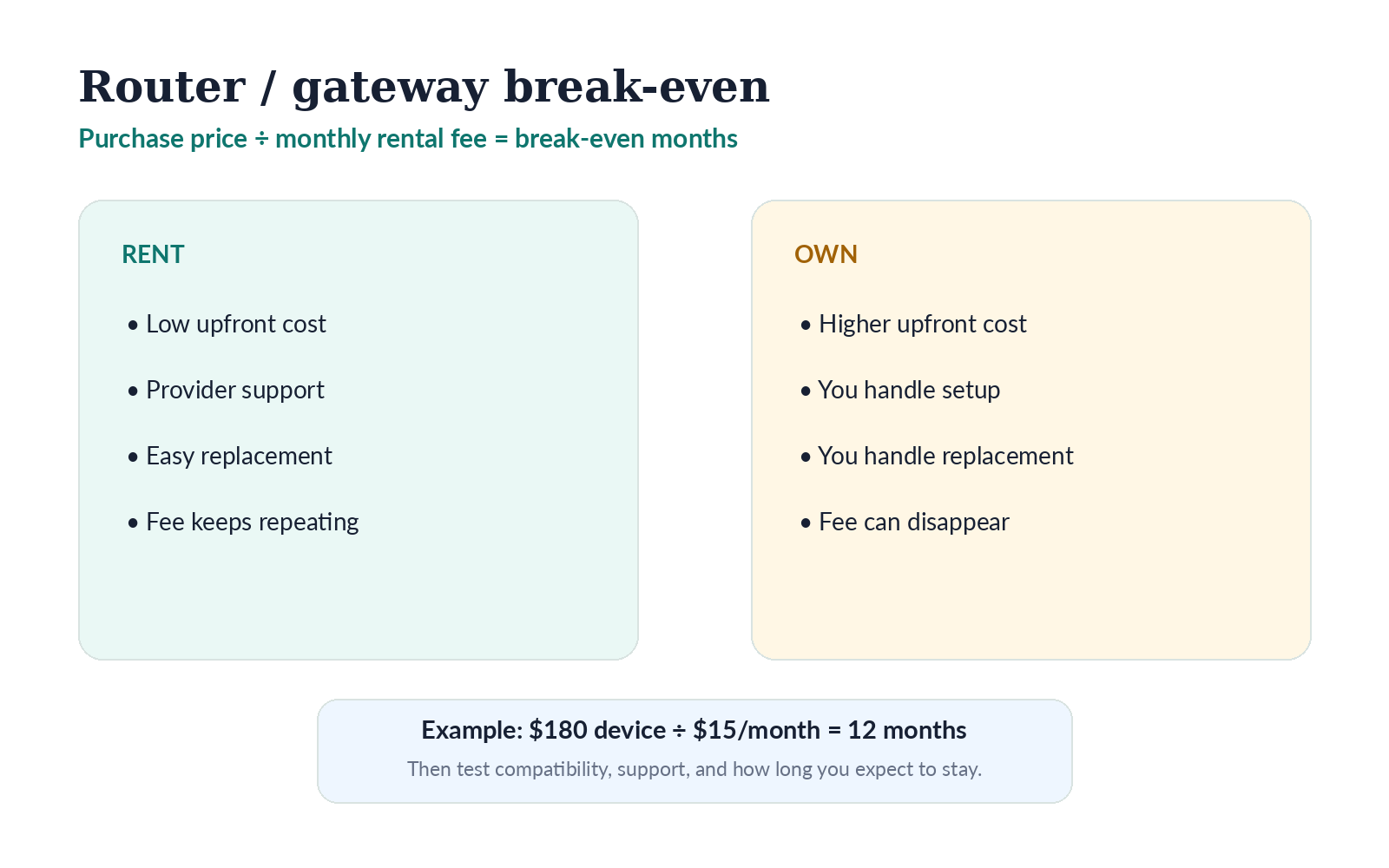
The cleanest calculation is:
Purchase price ÷ monthly rental fee = break-even months
Illustrative example
A compatible device costs $180. Your provider charges $15 per month to rent its gateway.
$180 ÷ $15 = 12 months.
If you keep the same provider and equipment setup for longer than a year, ownership begins to look attractive on the simple math.
But simple math is only step one.
Now ask what the $15 rental fee is buying besides the plastic box.
Rental can include convenience that is worth something
Provider equipment is usually the path of least resistance.
If it fails, the provider may replace it. If support is troubleshooting the connection, the representative already knows the device. Firmware updates may be handled automatically. Some providers tie whole-home Wi-Fi, security features, parental controls, or app-based support to their own gateway.
You may not care about any of that.
Or you may care a lot the first time the internet goes down ten minutes before a video meeting.
The frugal question is not “Why would anyone rent?”
It is “How much am I paying for convenience, and do I value it at that price?”
Ownership works best when the compatibility answer is boring
Do not buy a modem or gateway because the box says “works with major providers.”
Check your provider’s current approved-device or compatibility list for your exact service type and speed tier. If you have cable internet, confirm the modem technology the provider supports. If you also have provider voice service, verify whether a retail device supports that setup. If you have fiber, find out which network hardware must remain provider-owned.
This is not a good place to assume.
A device can technically connect to a network and still be unsupported for your plan, unable to reach the tier you pay for, or excluded from certain features.
Federal law matters, but it does not solve compatibility for you
Federal law says a provider of fixed broadband internet access service may not charge a consumer for using covered equipment the consumer provided. It also restricts charges for equipment the provider did not provide or that the consumer returned.
That protects against a very specific bad outcome: continuing to pay an equipment charge for equipment that is not actually being provided to you.
It does not mean every retail router, modem, or gateway must work with every internet service.
You still have to check the network requirements.
Think about replacement risk
Owned equipment does not stay young forever.
Wi-Fi standards improve. Security support ends. Power supplies fail. A lightning event or random hardware death can erase some of the savings you expected.
That does not make ownership a bad deal. It just means the break-even calculation should not assume a device lives forever.
If a $180 gateway saves $15 a month and lasts four years, the gross avoided rental cost would be $720 over that period. Subtract the purchase price and the ownership math is still strong.
If you switch providers after eight months and the device does not work on the new network, the same purchase looks much less impressive.
Your expected time with the provider matters almost as much as the monthly fee.
Put the update-support clock in the math too
A device can still power on long after it stops being a smart long-term buy. Security updates, app support, and Wi-Fi standards have their own lifespan. Before buying, look at the manufacturer’s support information and ask whether the model is already near the end of its useful product cycle.
You do not need the newest Wi-Fi standard every time one appears. A stable device that covers your home and still receives support can be perfectly good. But a steeply discounted model is less attractive if you are buying the last few useful years of it.
This is one reason I would rather pay $20 more for a clearly supported model than win the break-even calculation with hardware I expect to replace early. Cheap equipment only helps if it stays useful long enough to earn back the purchase price.
Router-only ownership is often simpler than modem ownership
Some households can leave the provider’s modem or ONT in place and use their own router for Wi-Fi.
That can be a nice middle ground if your problem is weak Wi-Fi rather than an equipment rental fee. You get more control over wireless coverage, mesh placement, parental controls, or local network features without replacing the device that authenticates the internet service.
But this setup does not automatically eliminate a provider equipment fee. That depends on what the provider is charging for and what hardware it requires.
Again: bill first, shopping cart second.
When I would keep renting
Renting is reasonable when:
- the provider includes the equipment at no separate cost;
- the savings from buying are small;
- you expect to move or switch providers soon;
- you rely heavily on provider support;
- your service uses hardware that is difficult to replace cleanly;
- or the rental includes a whole-home Wi-Fi system you would otherwise buy separately.
There is no prize for owning every device in your house.
When I would seriously consider buying
Ownership becomes more compelling when:
- the monthly rental fee is meaningful;
- the provider clearly supports customer-owned equipment;
- the break-even period is short relative to how long you expect to stay;
- you are comfortable doing basic setup and troubleshooting;
- and the device will still be useful if your plan speed changes.
The strongest case is boring: compatible device, stable provider, clear fee, short break-even.
That is exactly what you want.
One more thing before returning the provider equipment
Document the return.
Use the provider’s official return method. Keep the receipt, tracking number, serial number, or return confirmation. Check the next bill to make sure the equipment charge disappears.
That is not paranoia. Equipment charges are recurring, and recurring mistakes are expensive because they can hide in plain sight.
The decision
Do not buy a router because renting feels wasteful. Buy because the equipment is compatible, the break-even period makes sense, and the support trade-off is acceptable to you.
A small monthly fee can absolutely become a large long-term cost.
But the cheapest box is not the goal. The goal is the cheapest setup you can live with when the Wi-Fi stops cooperating.
Sources
- 47 U.S.C. § 562 – Requirements relating to charges for covered services — reviewed/updated context: current statute
- FCC – Broadband Consumer Labels compliance guide — reviewed/updated context: 2026
Last reviewed: August 25, 2026
Continue the cycle: Previous: Your Internet Bill Went Up. Make This Call Before You Switch. · Next: Your Checking Account Is Charging Rent. Start Here.